Gulawo User Guide

A step-by-step walkthrough of the Gulawo tender workspace - from signing up to submitting a compliant, priced bid. Gulawo is a product of Yee Technologies (BRN 80030898266376).

Download PDF guide

1. Getting started

Create an account, log in, and meet your dashboard.

Create an account

Sign up in under a minute at /register.
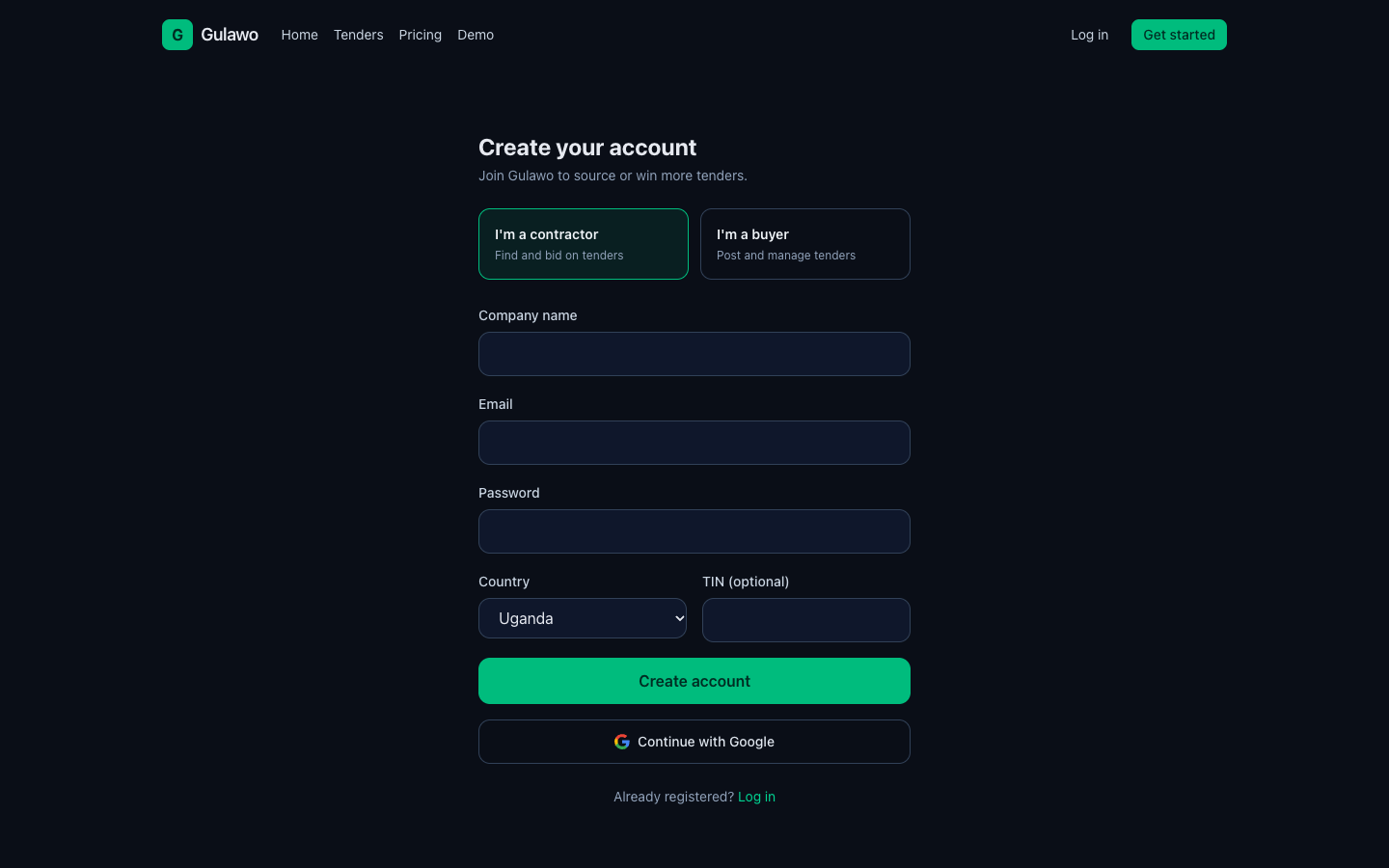
Create an account - Gulawo
  1. Choose I'm a contractor (find and bid) or I'm a buyer (post tenders).
  2. Enter your company name, email and a password (8+ characters).
  3. Pick your country (Uganda, Kenya, Tanzania or Rwanda) and add your TIN (optional).
  4. Click Create account, or use Continue with Google.
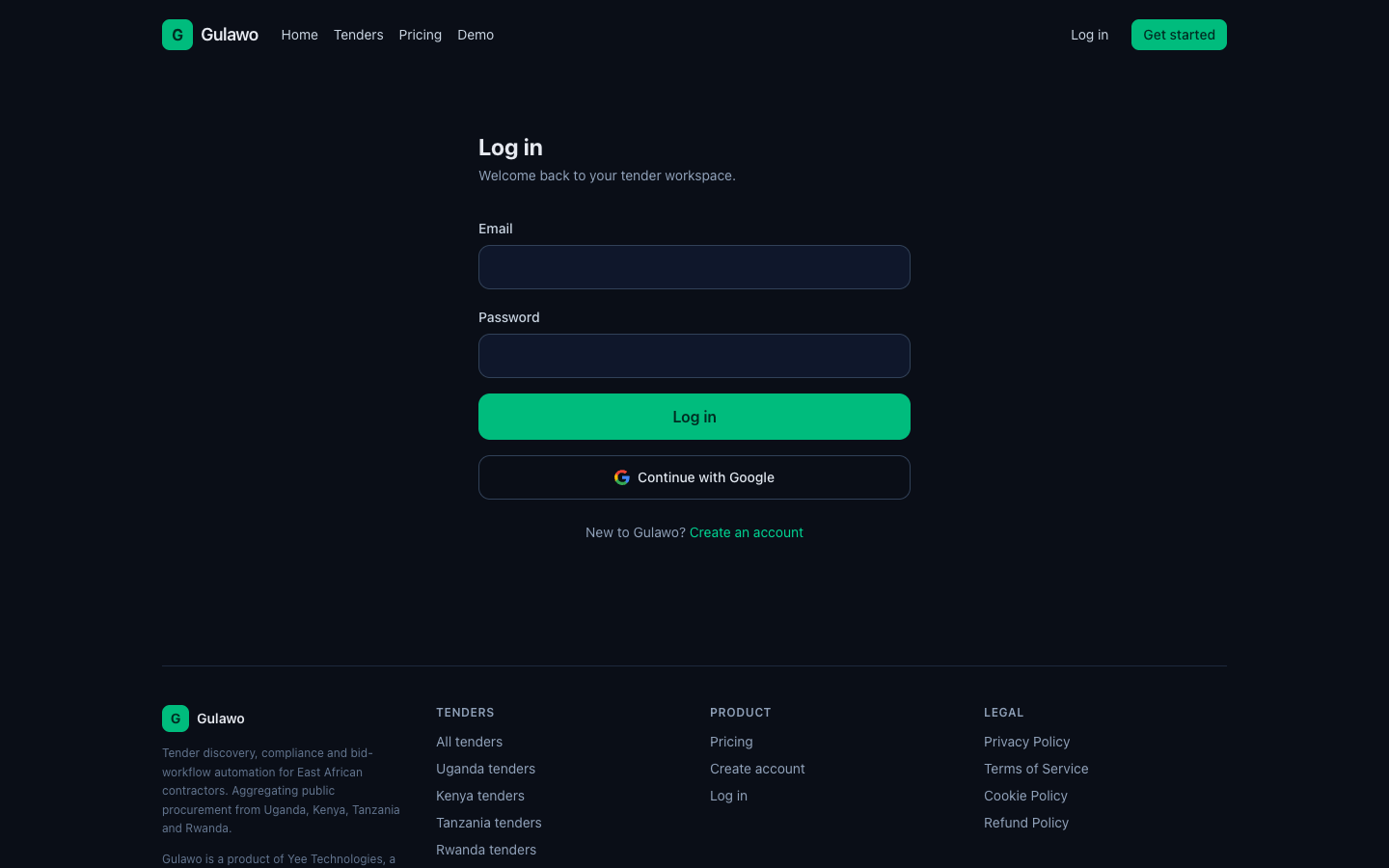
Log in

Returning users sign in at /login with email and password or Google.

Log in - Gulawo
  1. Enter your email and password.
  2. Click Log in.

Your dashboard (Overview)

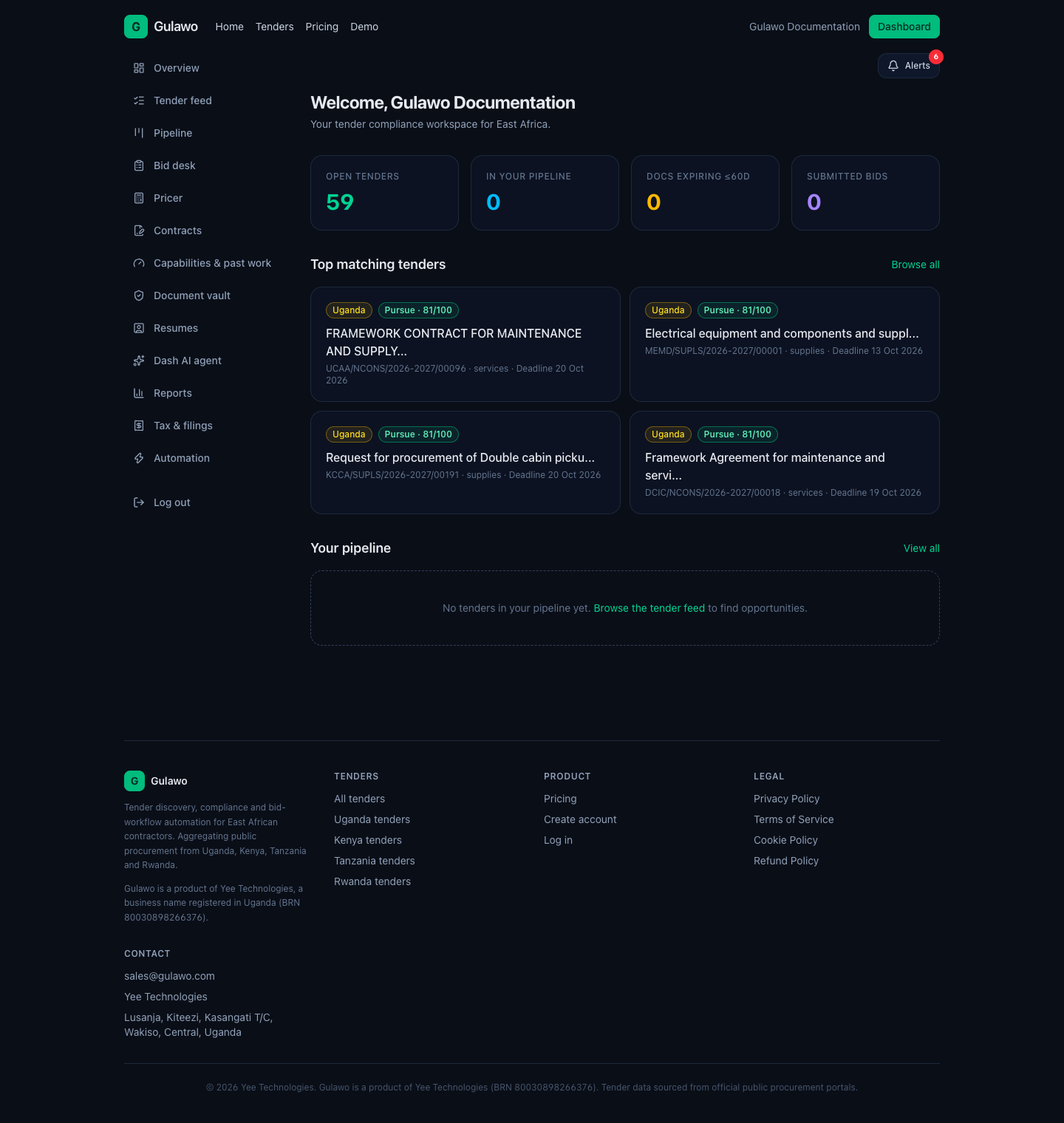
Your home screen: key numbers, top matching tenders and your pipeline. The left sidebar is your main navigation.

Your dashboard (Overview) - Gulawo
  1. Open tenders - total matches currently in the feed.
  2. In your pipeline - tenders you have started pursuing.
  3. Docs expiring ≤60 days - certificates that need renewal soon.
  4. Submitted bids - bids you have marked submitted.

Tip: A high fit score (e.g. 81/100) means the tender closely matches your sectors, value band and documents. Start with the highest scores.

2. Finding and reading tenders

Browse the feed, open a tender, and check compliance before you bid.

Tender feed

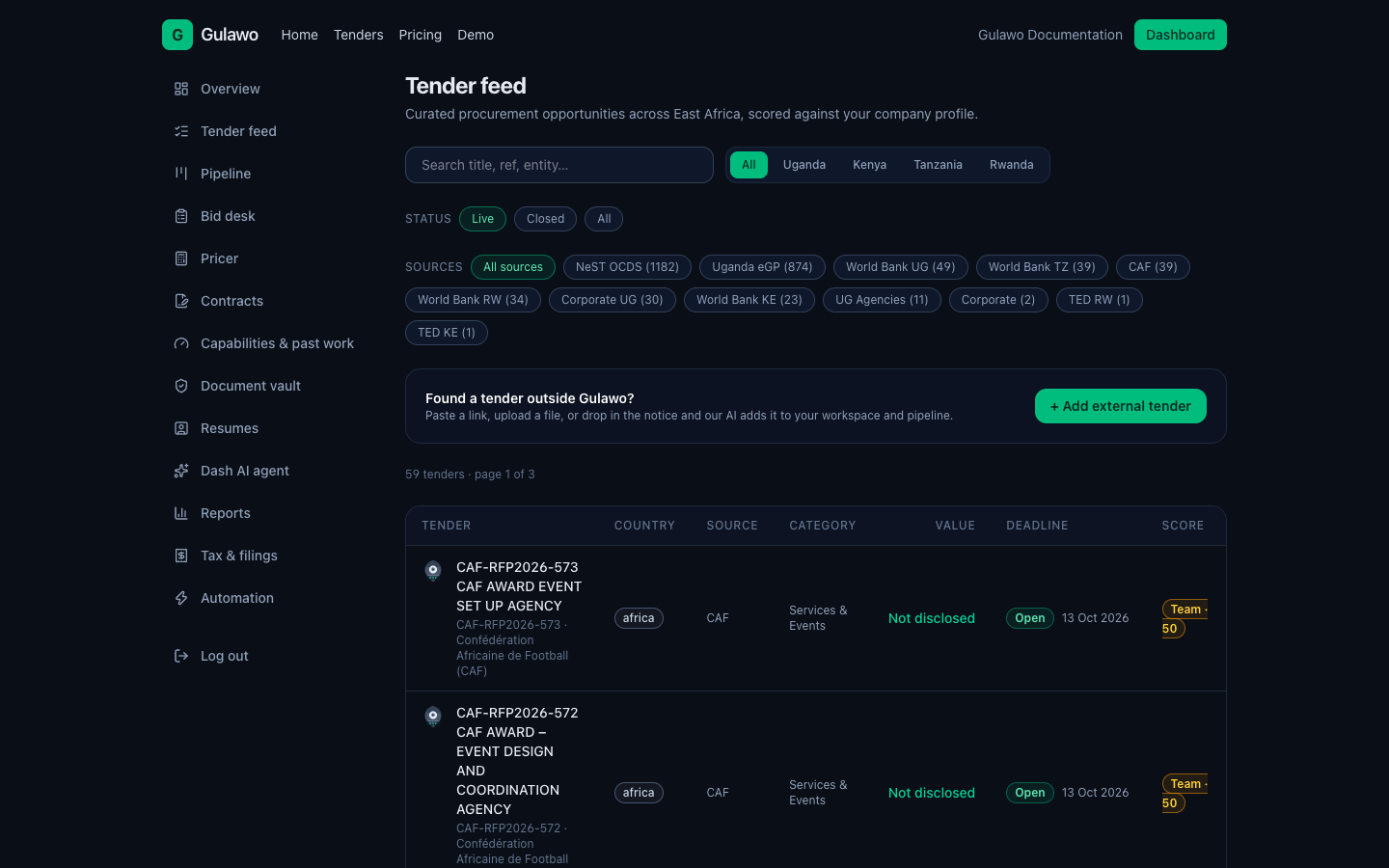
Search and filter every open tender. Available even without an account.

Tender feed - Gulawo
  1. Filter by country (Uganda, Kenya, Tanzania, Rwanda) and free-text search.
  2. Each row shows reference, title, category, value, currency and deadline.
  3. The fit-score badge shows how well a tender matches your profile.

Tender detail & compliance

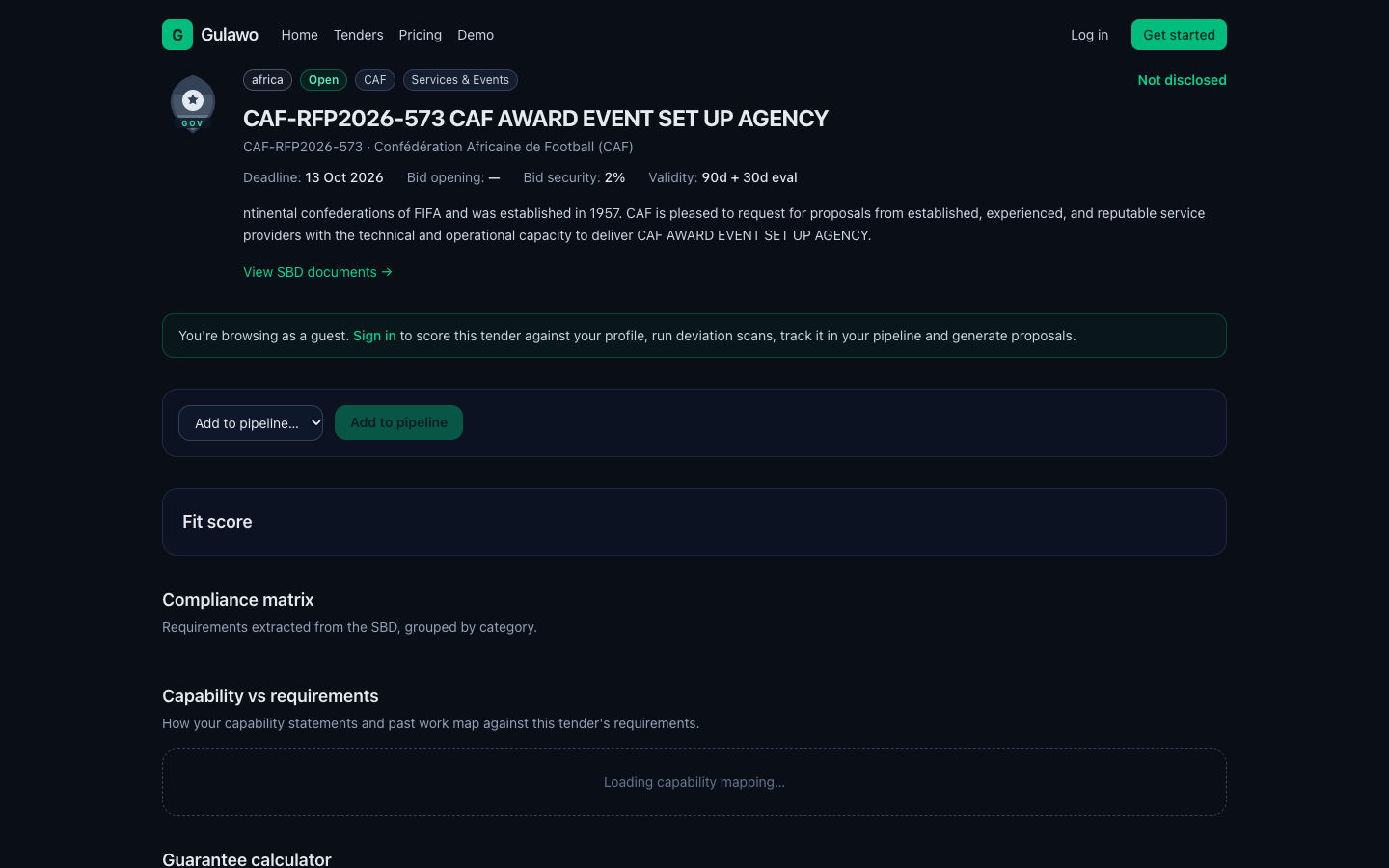
Open any tender to see the full brief and its compliance matrix.

Tender detail & compliance - Gulawo
  1. Read the brief: buyer, reference, category, deadlines and description.
  2. Review the compliance matrix (bid security, validity, TIN, documents, certifications, signatory).
  3. Run the deviation scanner with your actual submission values to flag disqualifying mismatches.
  4. Use the guarantee calculator for the exact bid-security amount and its required expiry date.
  5. Generate a proposal, or add the tender to your pipeline.

Tip: Most bids are lost to a missing certificate, a short bid security, or a validity date that expires before evaluation ends - not on price. Catch these first.

3. Running the bid workflow

Move tenders through your pipeline and assemble the submission.

Pipeline

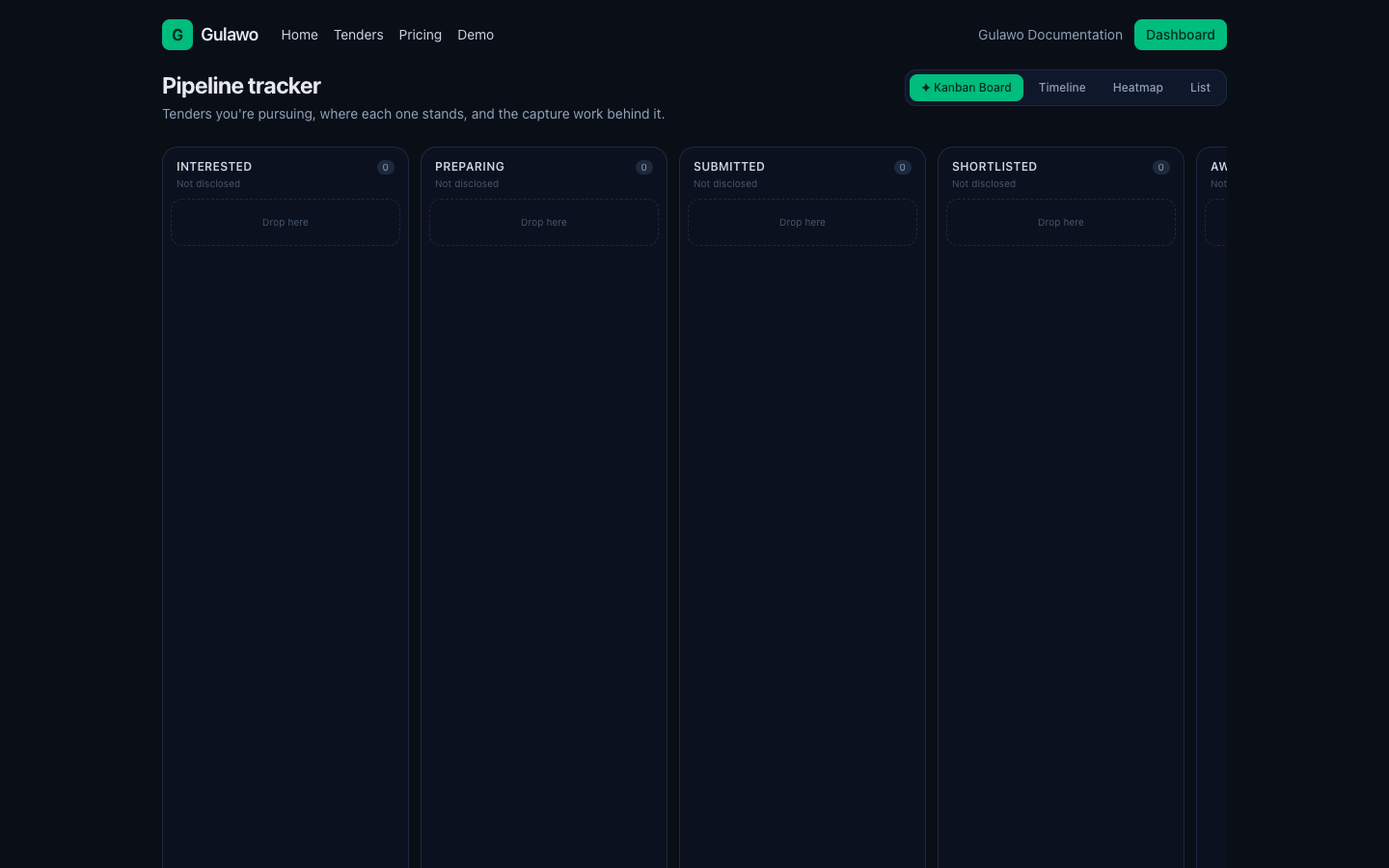
A stage board for every tender you are pursuing.

Pipeline - Gulawo
  1. Stages: interested → preparing → submitted → shortlisted → awarded / lost.
  2. Change a tender's stage with the dropdown (changes are logged for reporting).
  3. Open the capture panel to add tasks, win themes and gate reviews.

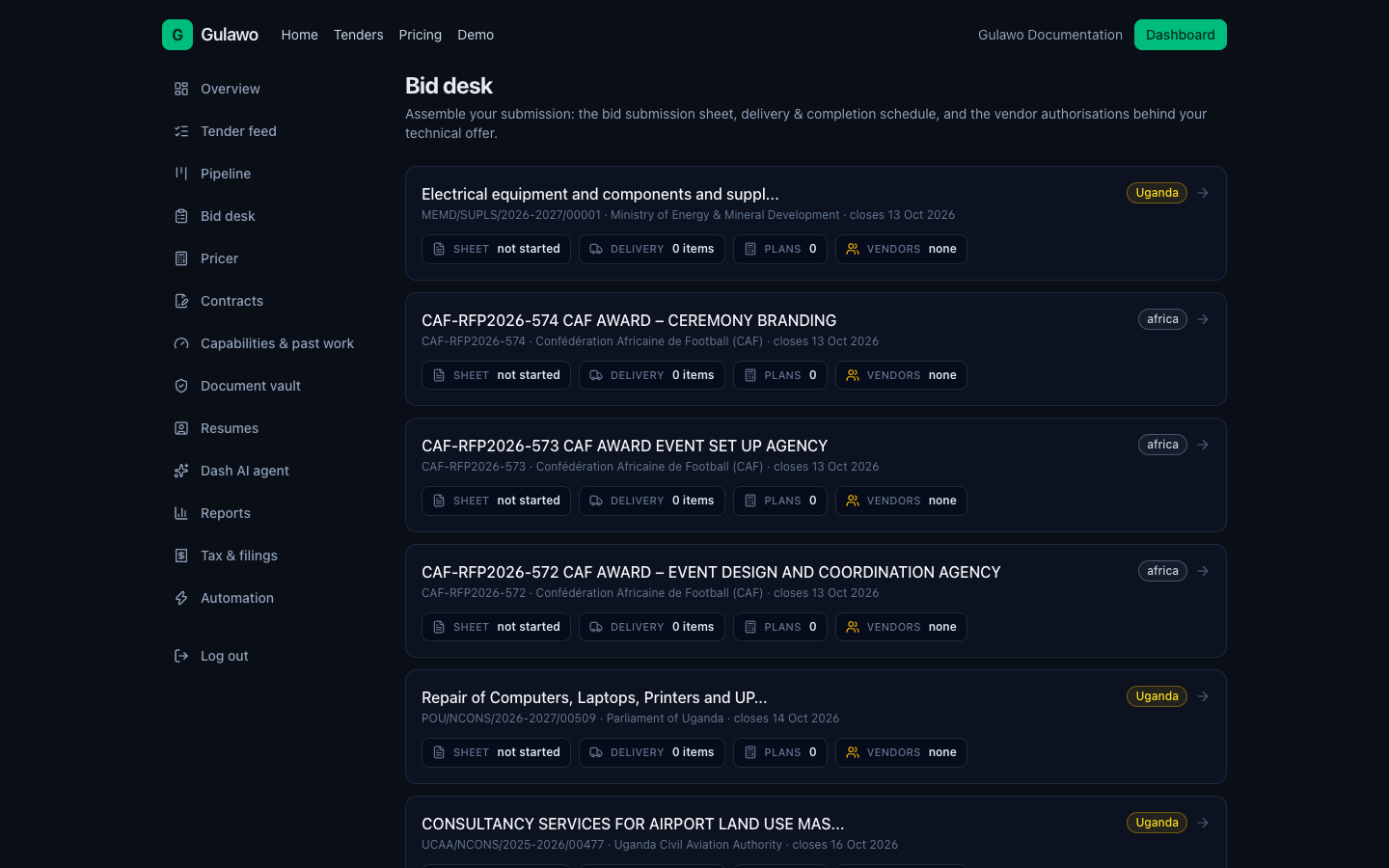
Bid desk

Where a submission comes together.

Bid desk - Gulawo
  1. Work through the compliance checklist for the tender.
  2. Check deviations (guarantee, validity, TIN, signatory) and fix failures.
  3. Draft and store proposal sections (executive summary, technical approach, methodology, team, pricing).
  4. Export finished sections to Word for sign-off.

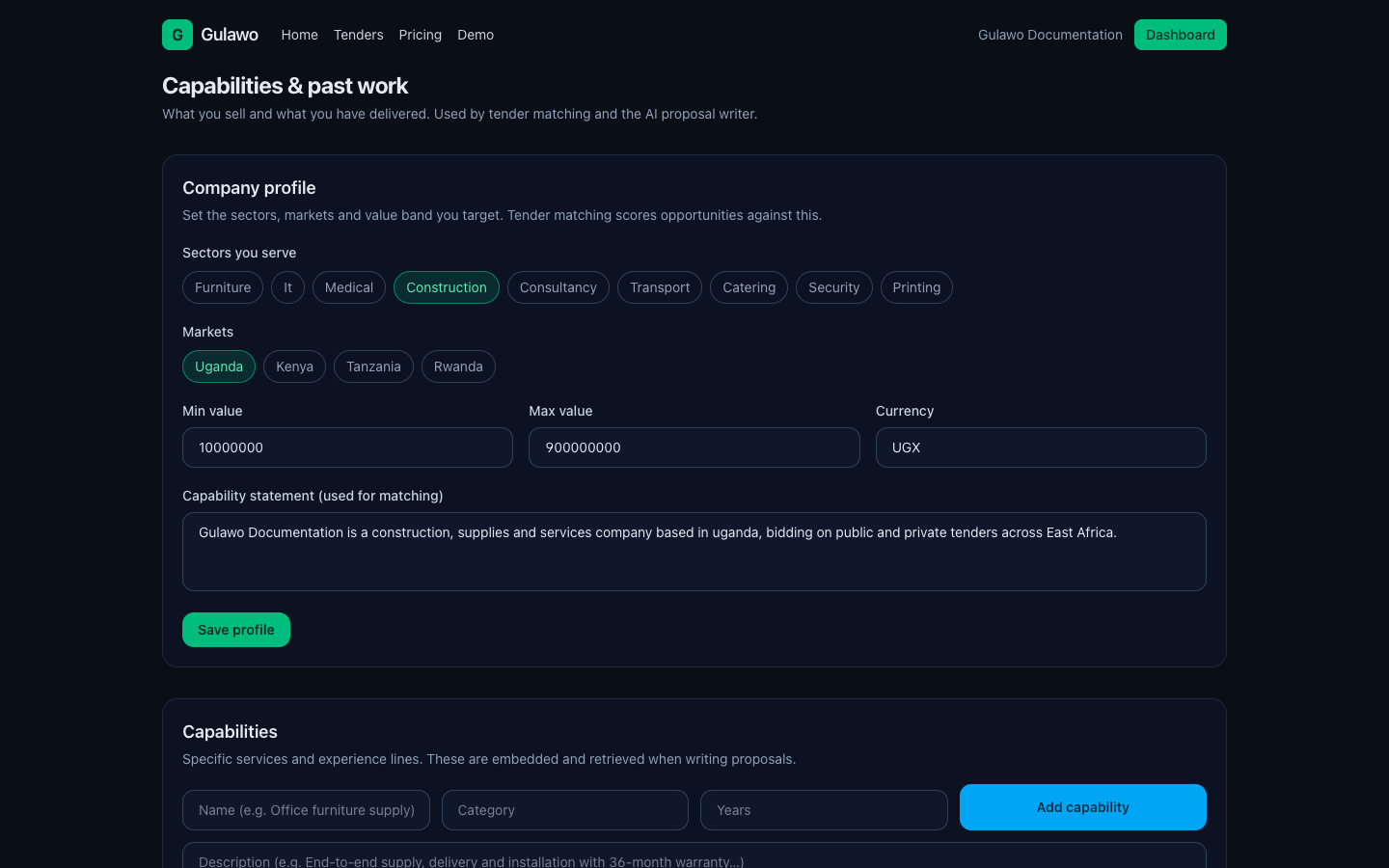
Capabilities & past work

Your company profile - it drives matching and proposals.

Capabilities & past work - Gulawo
  1. Set your company profile: description, sectors, countries and value band.
  2. Add capabilities with a category, description and years of experience.
  3. Add past performance with client, country, value and outcome.

Tip: The more complete this section, the better your fit scores and the stronger your generated proposals.

4. Documents, CVs and money

Keep your certificates current and build priced bids.

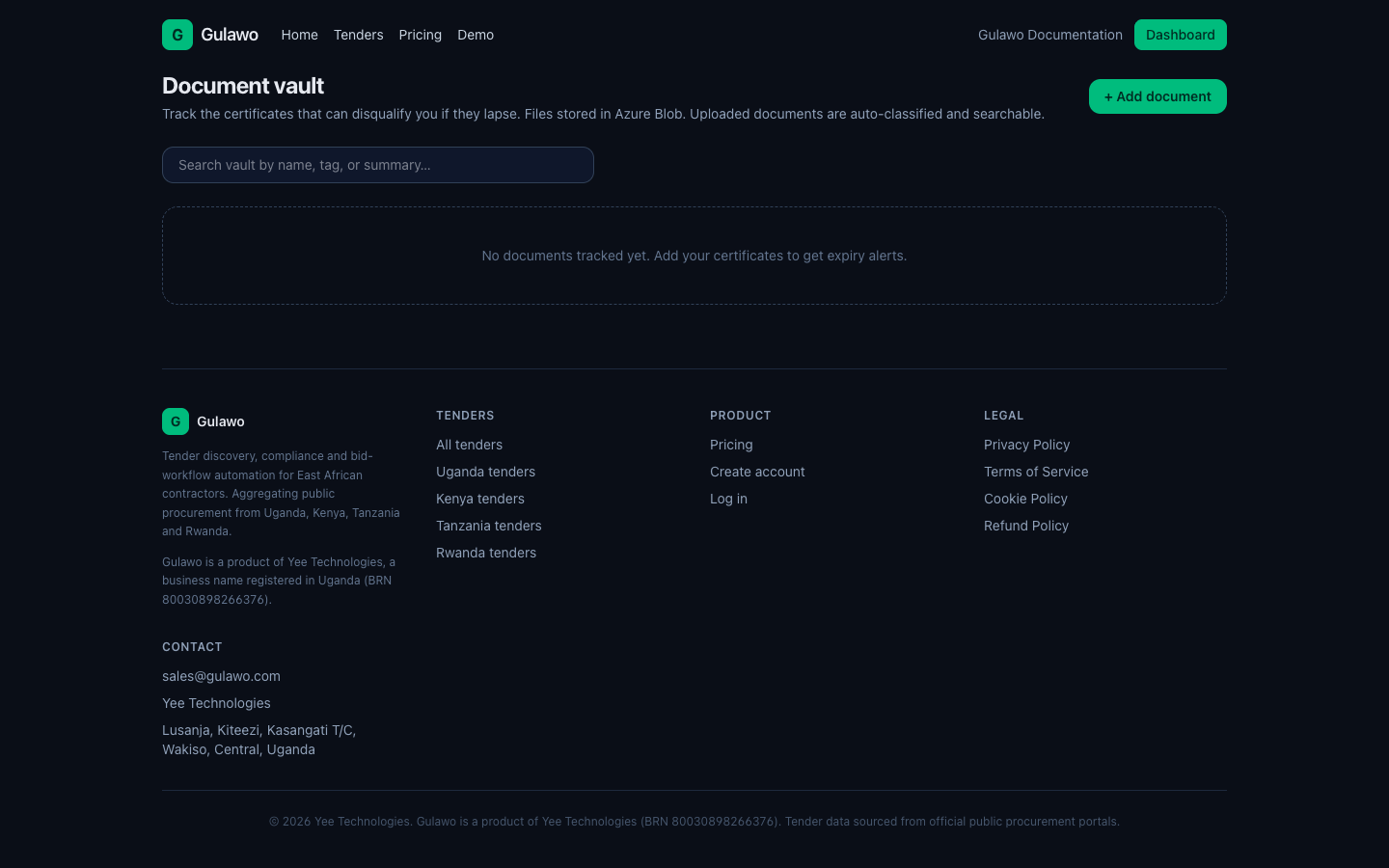
Document vault

Store certificates and never miss an expiry again.

Document vault - Gulawo
  1. Upload tax clearance, PPDA registration, trading licence, certificates and contracts.
  2. Documents are auto-classified with AI (category, tags, summary).
  3. Track expiry dates with alerts for expired and expiring-soon documents.
  4. Search across names, tags and summaries.

Tip: Files are stored in Azure Blob Storage and downloaded through time-limited links.

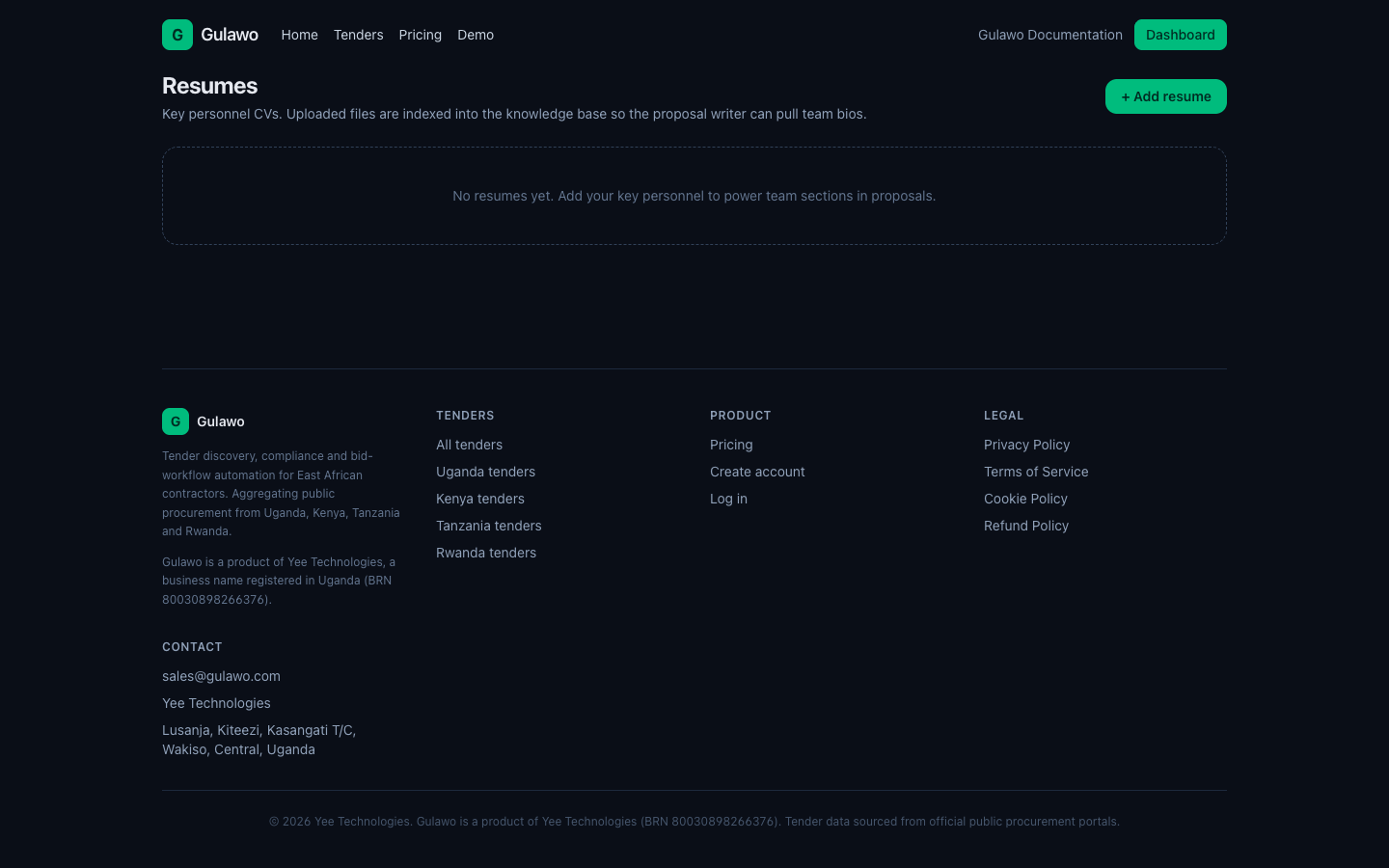
Resumes

Your key personnel CVs.

Resumes - Gulawo
  1. Add people with name, role and skills.
  2. Uploaded CVs feed the proposal writer's team and experience sections.

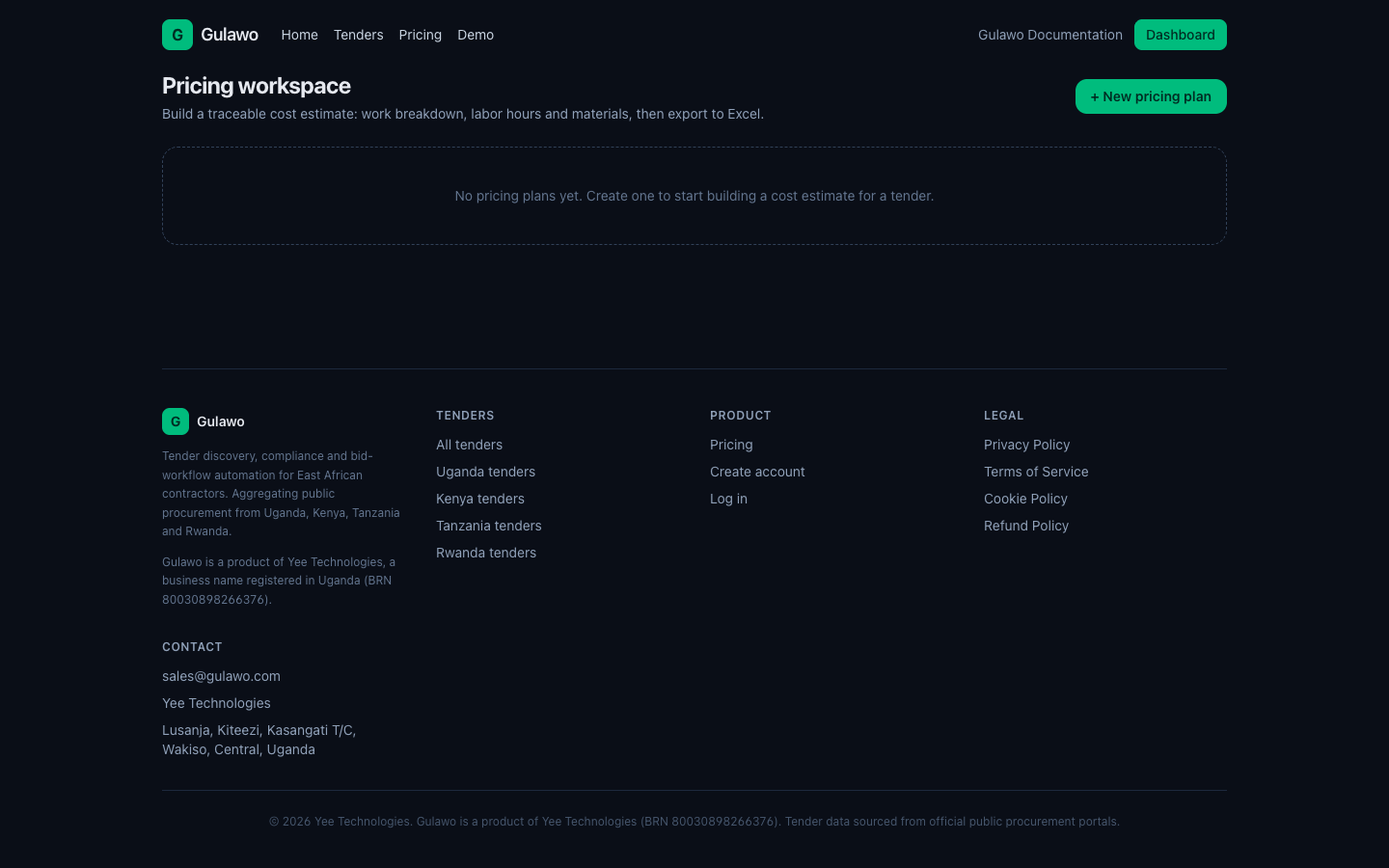
Pricer

Build a priced bid from scratch.

Pricer - Gulawo
  1. Add line items (labor, material, other) with quantities and unit rates.
  2. Organise by work packages and categories, and apply wrap rates.
  3. See cost to government, profit margin and bid price automatically.
  4. Export to Excel for review.

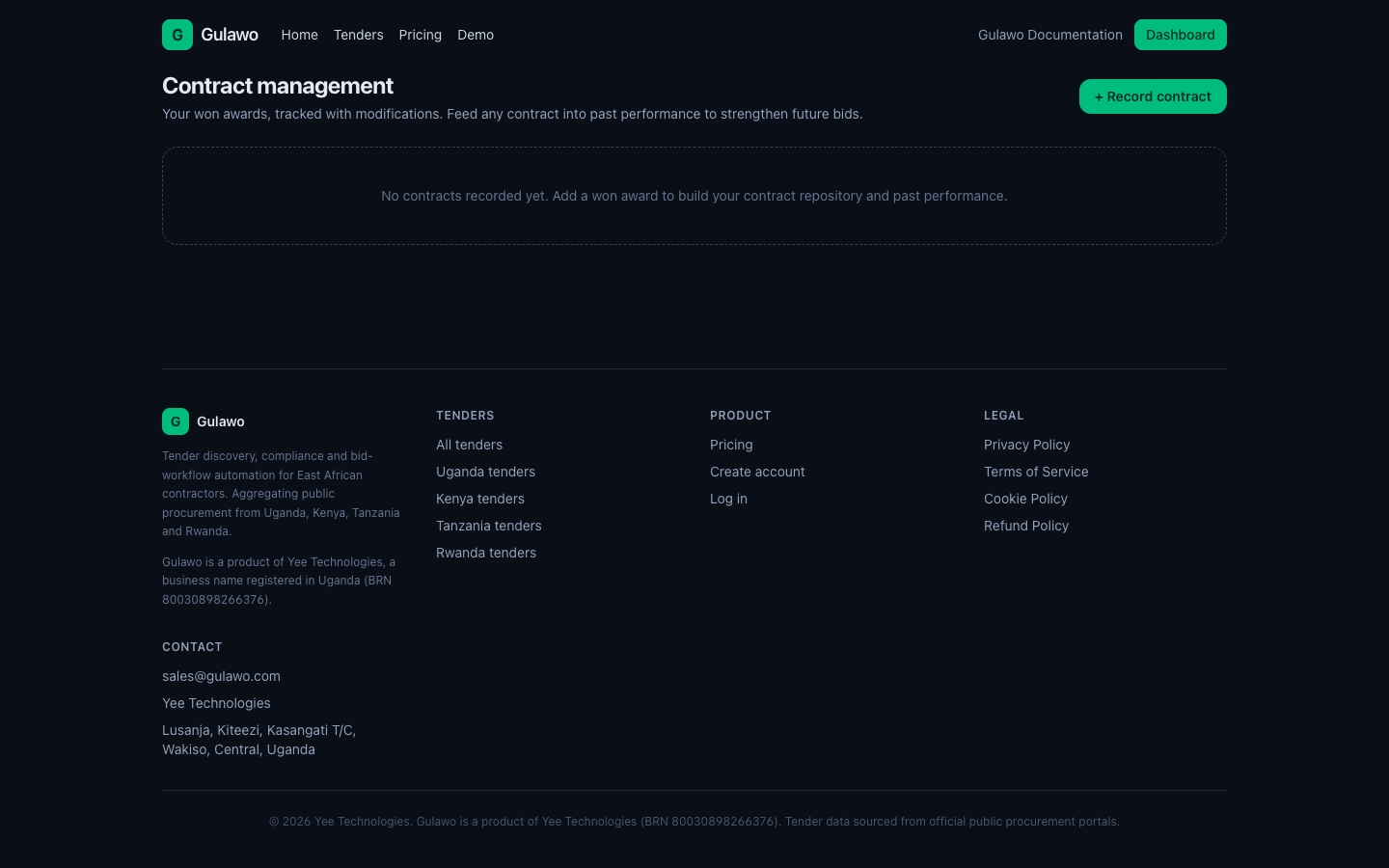
Contracts

Track the contracts you win.

Contracts - Gulawo
  1. Register a contract: title, reference, client, country, currency, value, dates, status.
  2. Log amendments and mods (paste text and let AI extract the fields).
  3. Copy a contract to past performance in one click.

5. Intelligence and admin

Let the AI agent do the heavy lifting, and keep your admin current.

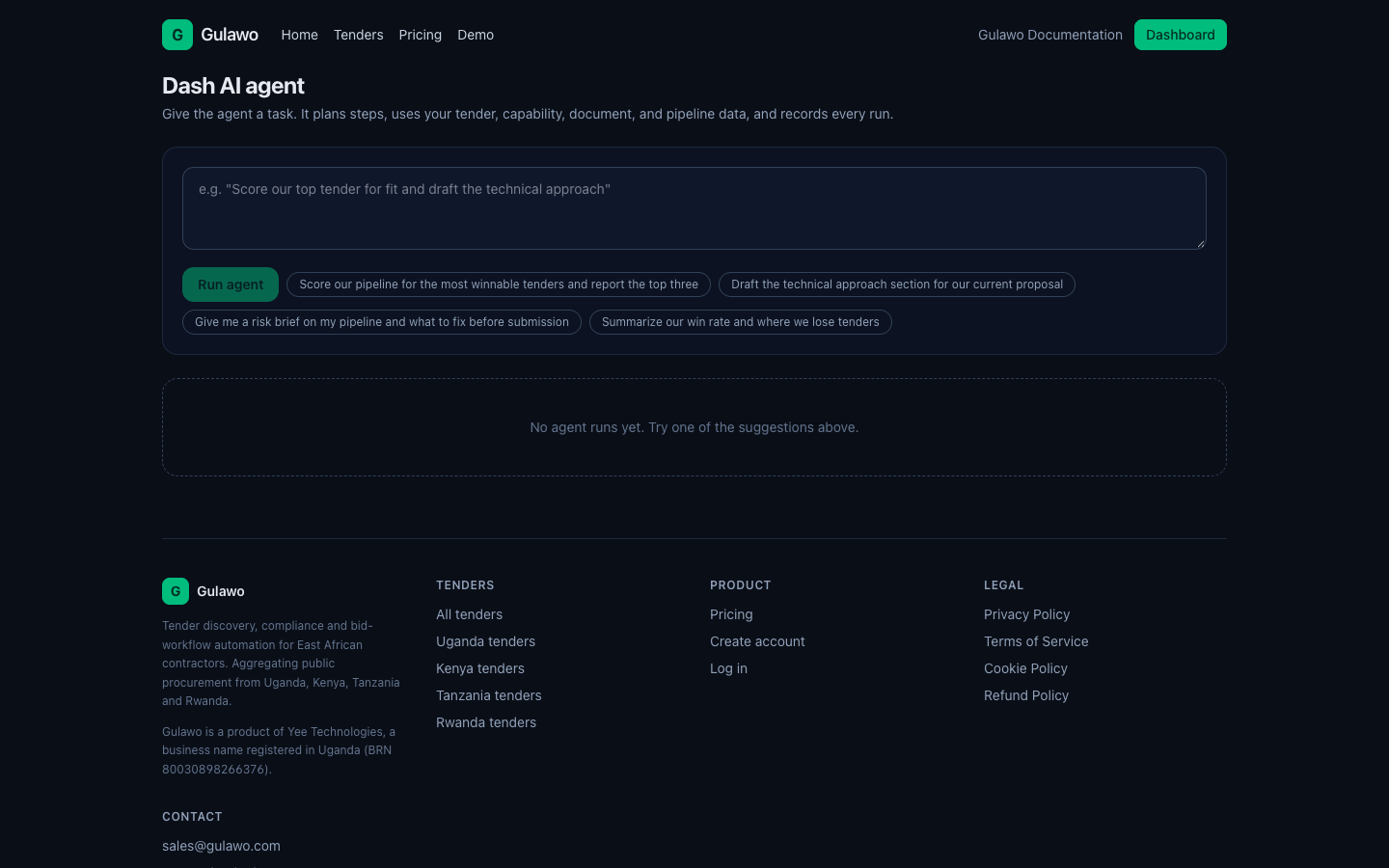
Dash AI agent

Run AI tasks across your tenders.

Dash AI agent - Gulawo
  1. Score a tender against your profile.
  2. Outline and draft proposal sections.
  3. Get a risk brief combining the deviation scan with advice.
  4. Extract compliance requirements from SBD text, or report on your pipeline.

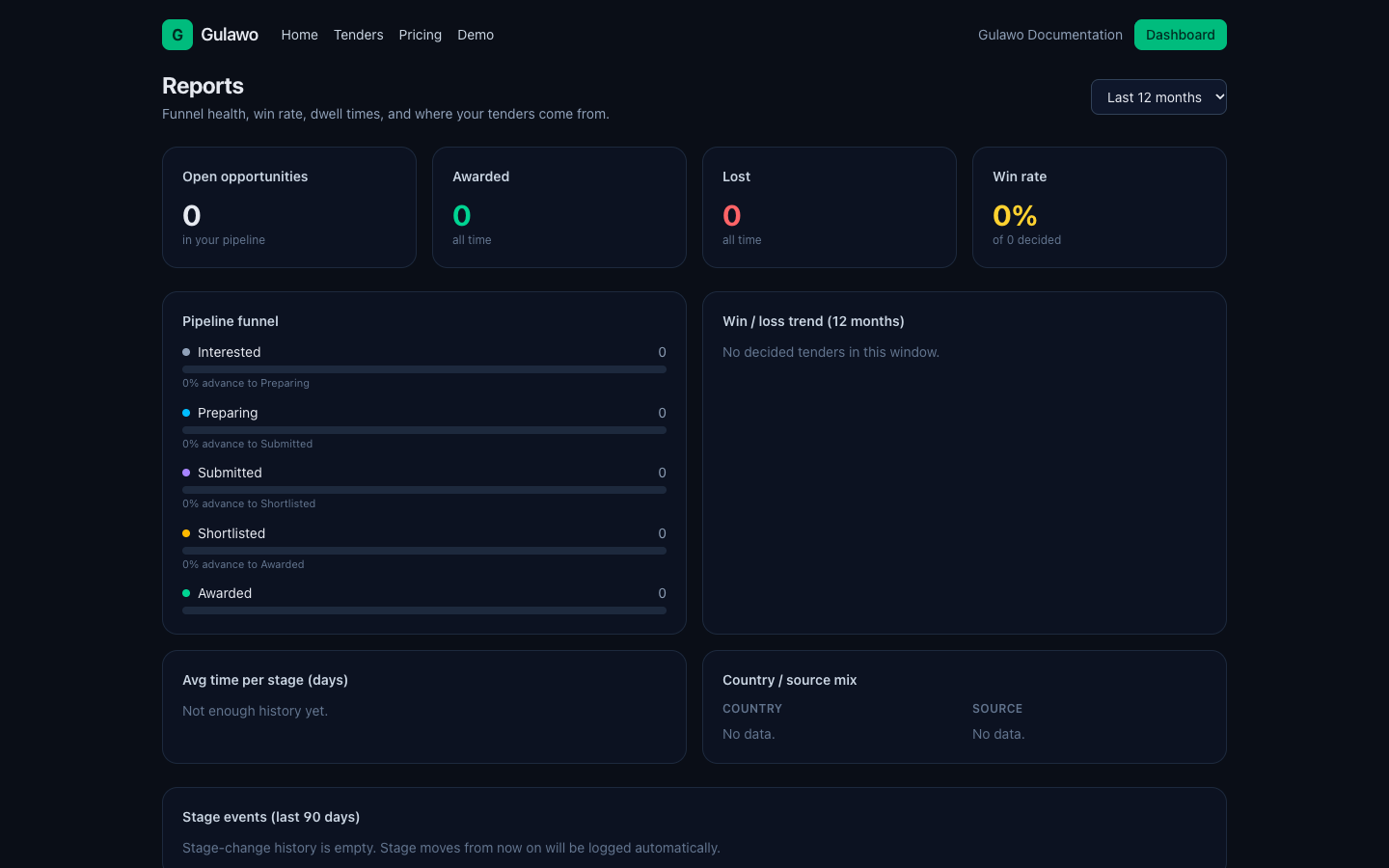
Reports

See how your bidding is performing.

Reports - Gulawo
  1. Pipeline snapshot and a funnel with conversion rates.
  2. Win/loss trend over a configurable window.
  3. Average dwell time per stage, and country/source breakdowns.

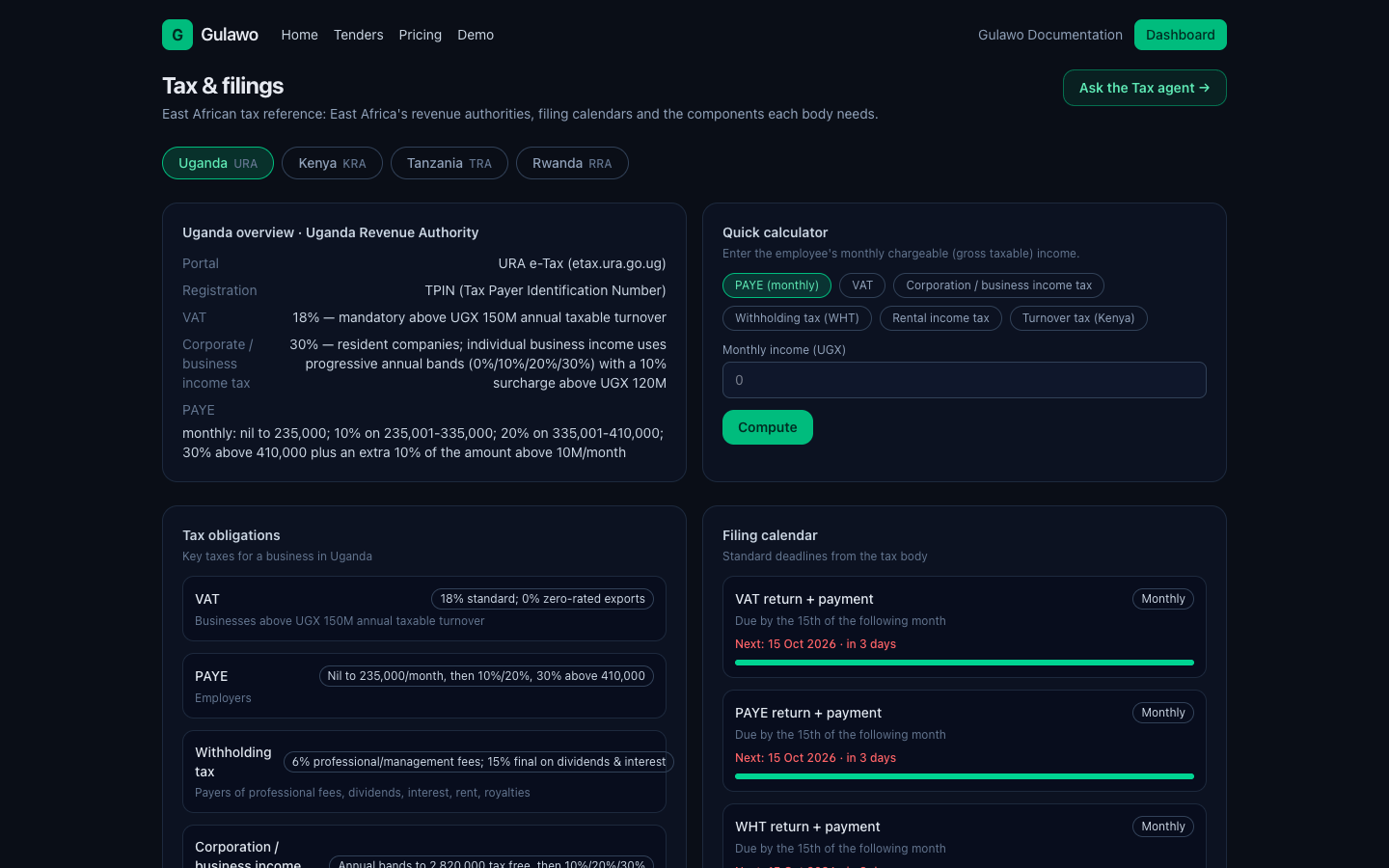
Tax & filings

Stay on top of deadlines that affect your eligibility.

Tax & filings - Gulawo
  1. Track TIN, tax clearance and filing deadlines with a checklist.
  2. Use the tax agent to see what is due.

Tip: Gulawo helps you organise and track filings; it is not a substitute for professional tax advice.

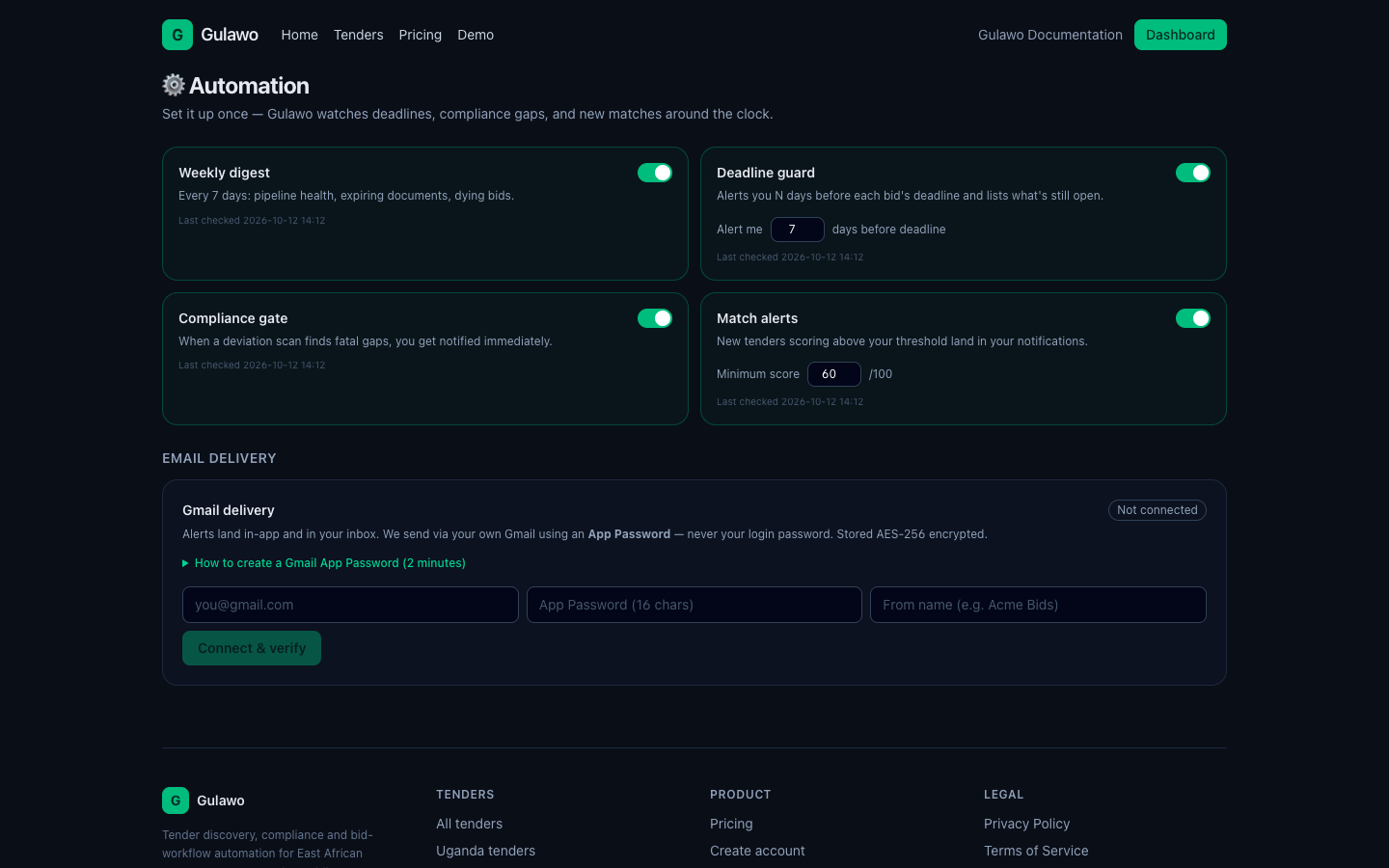
Automation

Set up what runs in the background.

Automation - Gulawo
  1. Connect your sending email so Gulawo can deliver alerts on your behalf.
  2. Choose what you are notified about (new matches, expiring documents, deadlines).
  3. Let recurring jobs keep things current so you don't check manually.

6. Buyer workspace

Signed up as a buyer? You get a separate workspace to post and manage tenders.

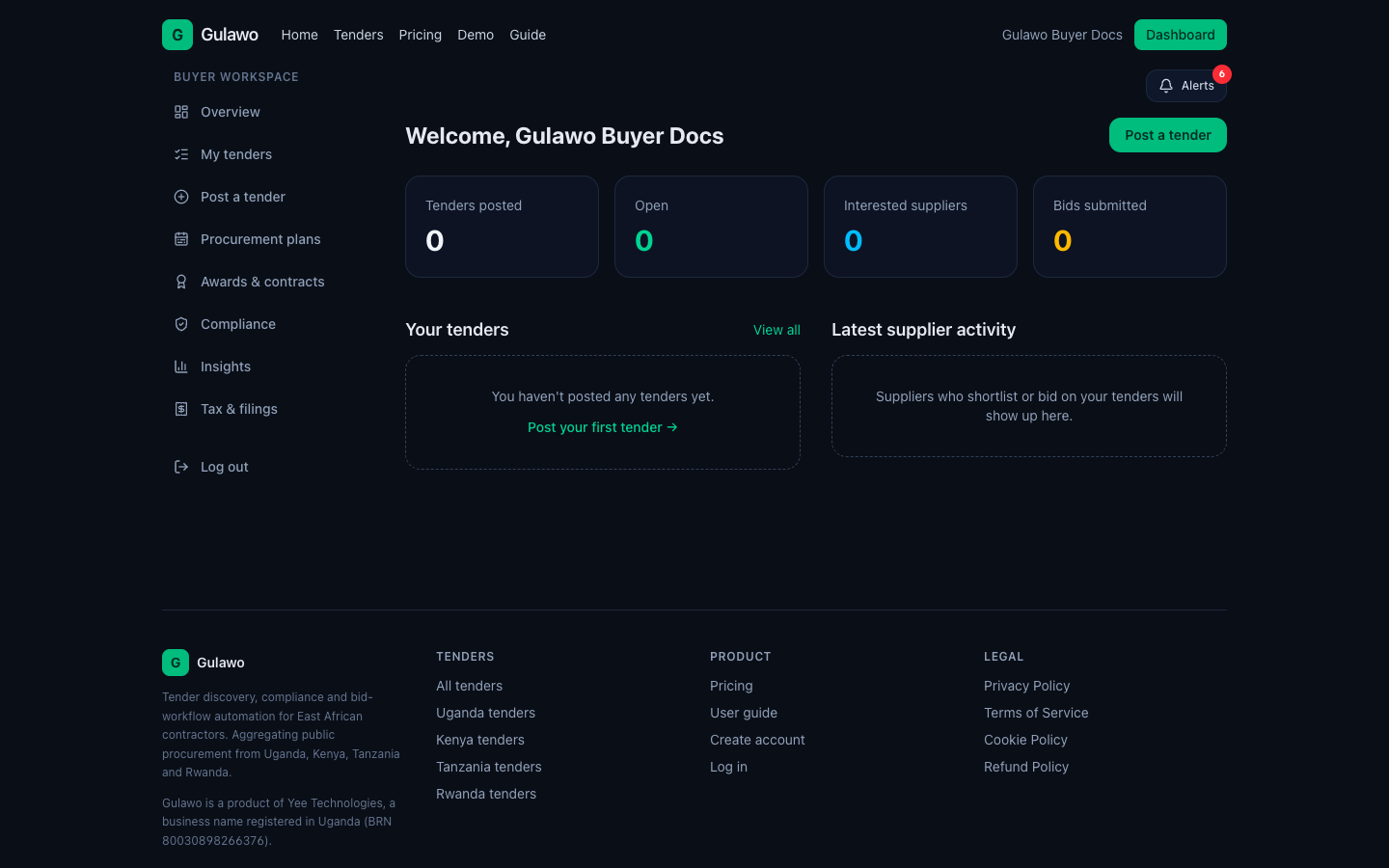
Buyer overview

Your home screen for posting and managing tenders, at /company.

Buyer overview - Gulawo
  1. See tenders posted, open tenders, interested suppliers and bids submitted.
  2. Use Create/Post a tender to publish a new opportunity.

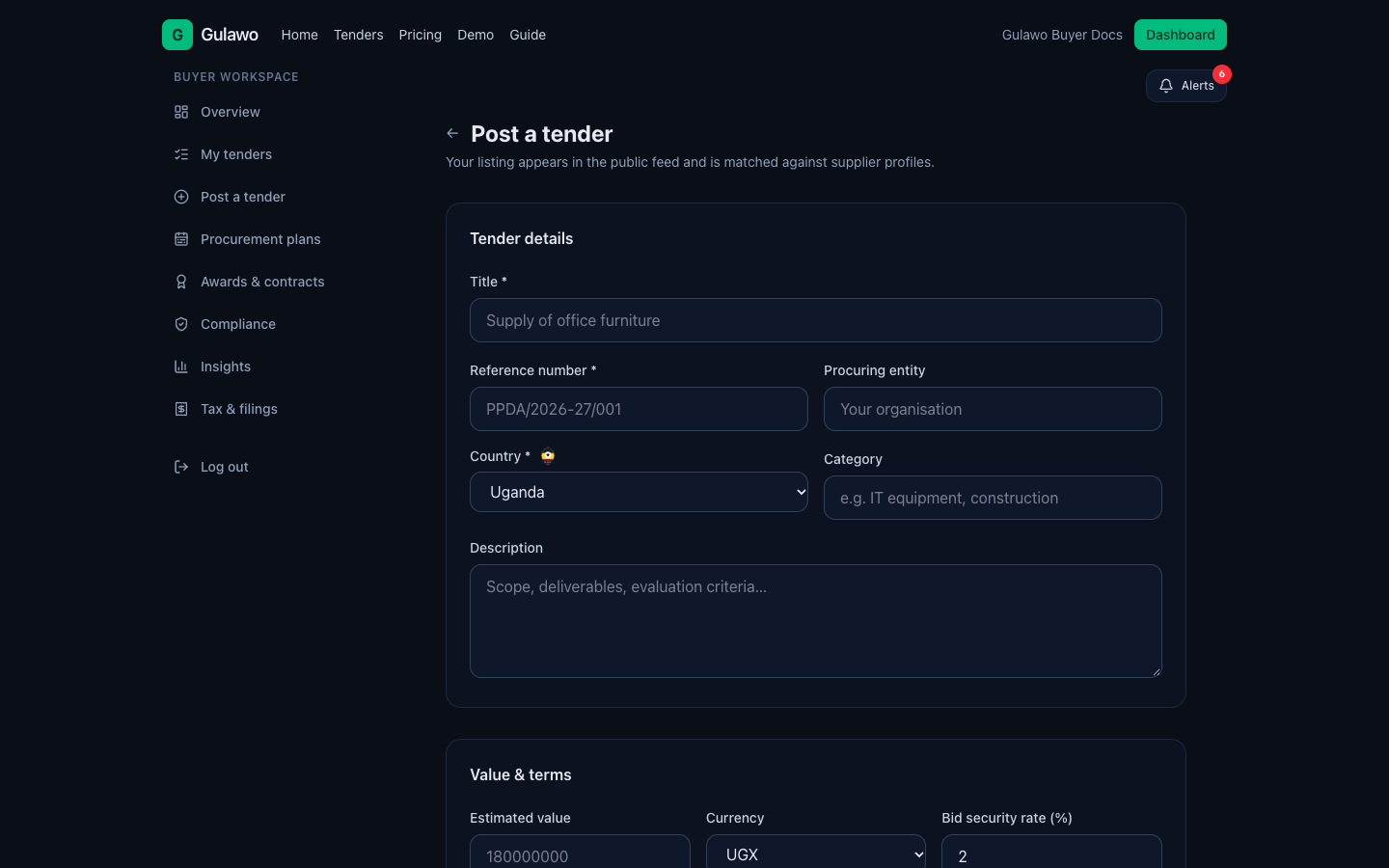
Post a tender

Publish a tender so suppliers can find and bid.

Post a tender - Gulawo
  1. Enter title, reference, category, budget and deadlines.
  2. List the document and compliance requirements.
  3. Publish it to the supplier network.

My tenders & evaluating bids

Track your tenders and compare supplier submissions.

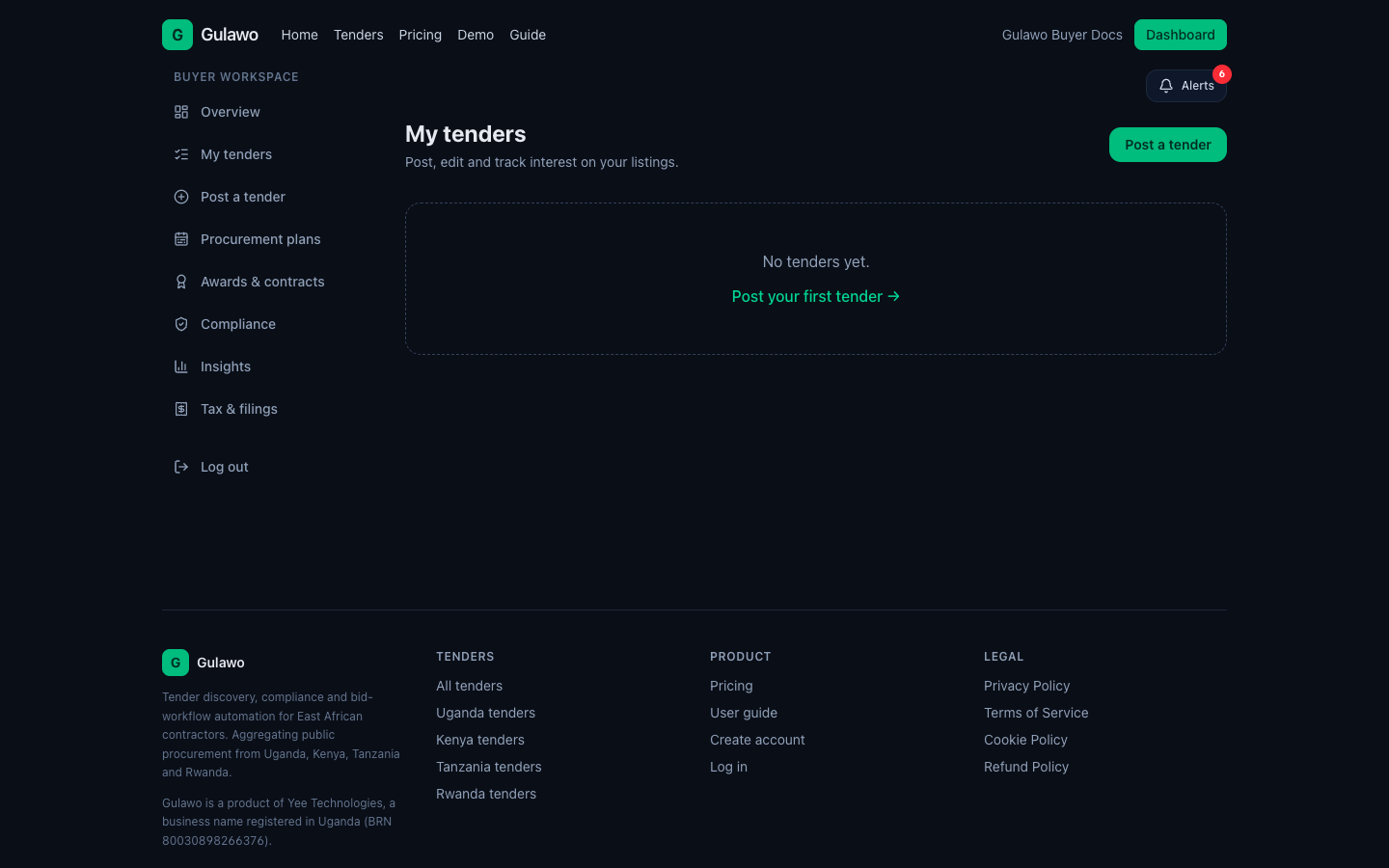
My tenders & evaluating bids - Gulawo
  1. See all posted tenders and their status.
  2. Open a tender to evaluate bids: review each submission, compare and score.
  3. Shortlist, award or close the tender.

Procurement plans

A forward schedule of what you intend to buy.

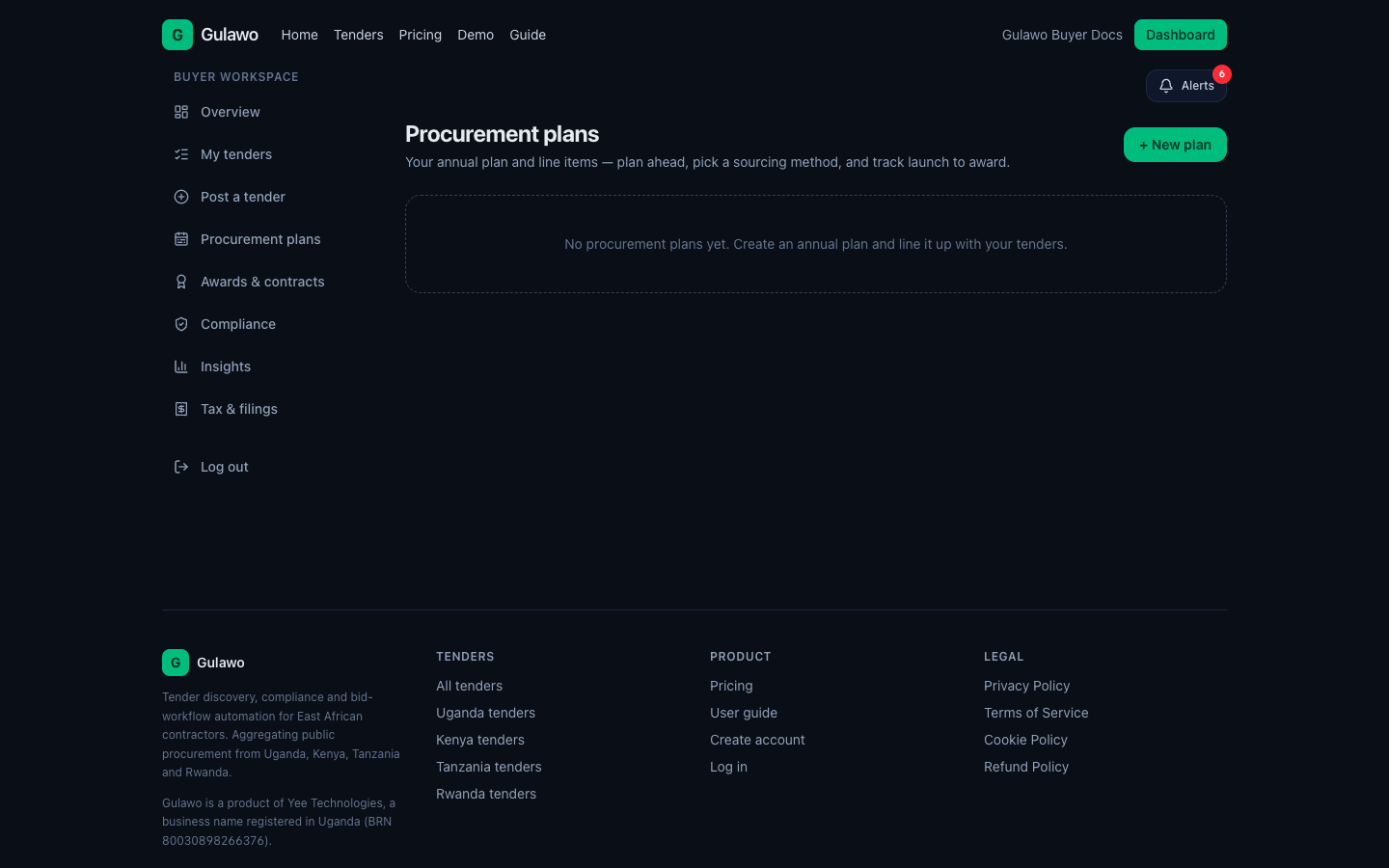
Procurement plans - Gulawo
  1. Plan upcoming procurement so suppliers can prepare.
  2. Stay compliant with procurement rules.

Awards & contracts

Record awards and track the resulting contracts.

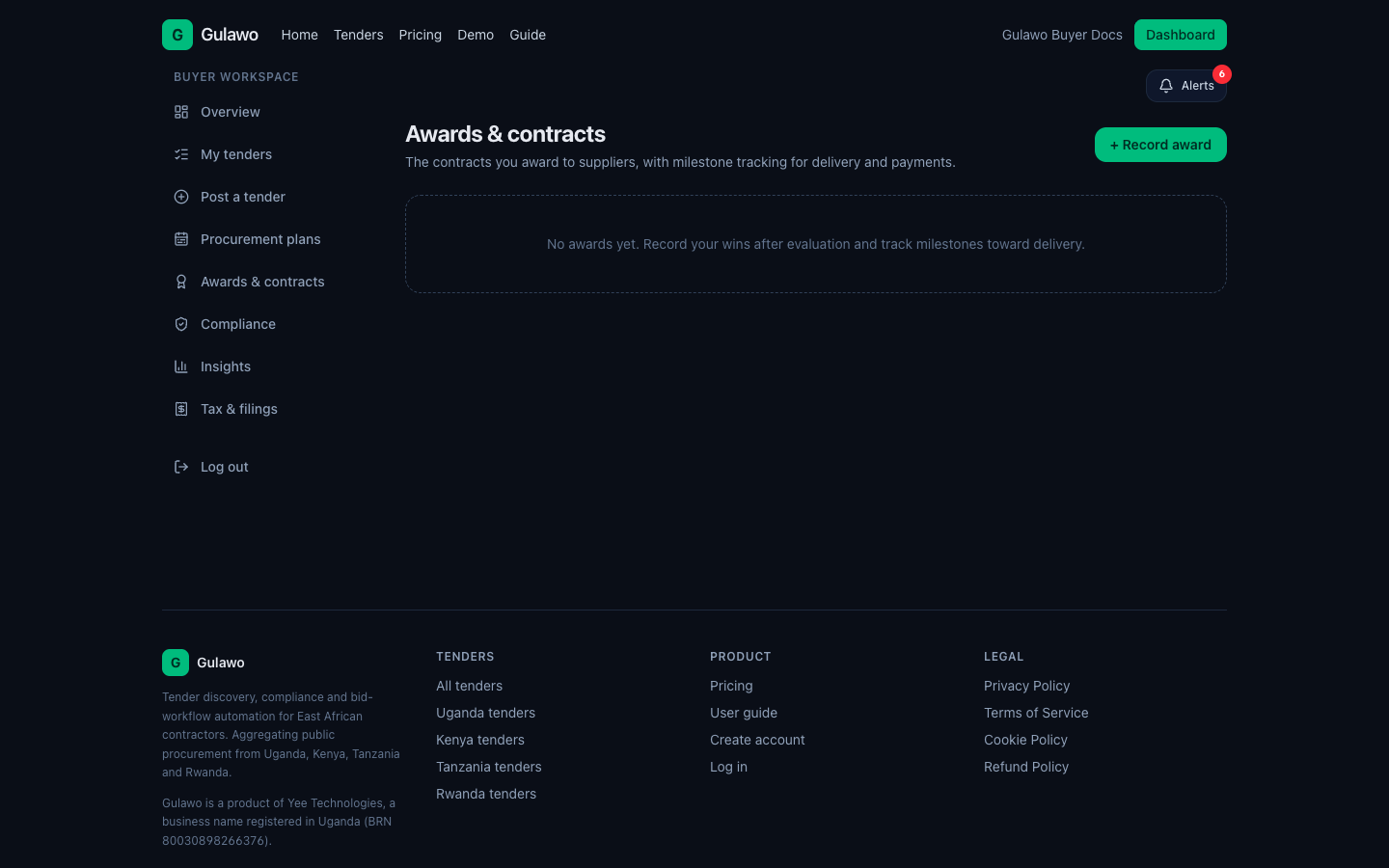
Awards & contracts - Gulawo
  1. Log awards.
  2. Track contracts and milestones.

Compliance & insights

Keep the audit trail and see analytics.

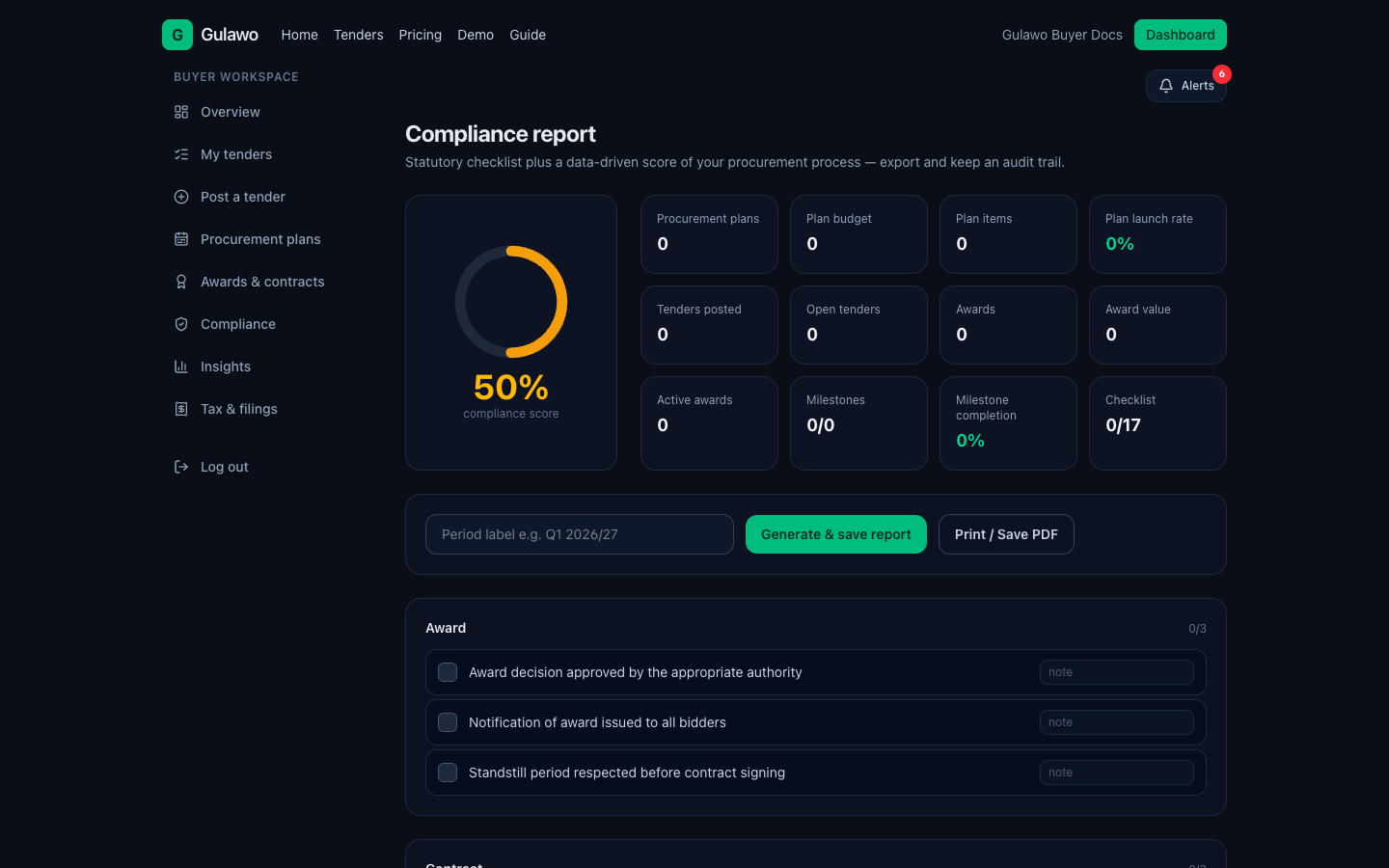
Compliance & insights - Gulawo
  1. Compliance (/company/reports) keeps your audit trail.
  2. Insights (/company/insights) shows analytics across tenders and suppliers.

Need help?

Email sales@gulawo.com. Browse tenders at /tenders or create an account at /register.